Save
Capture in one paste
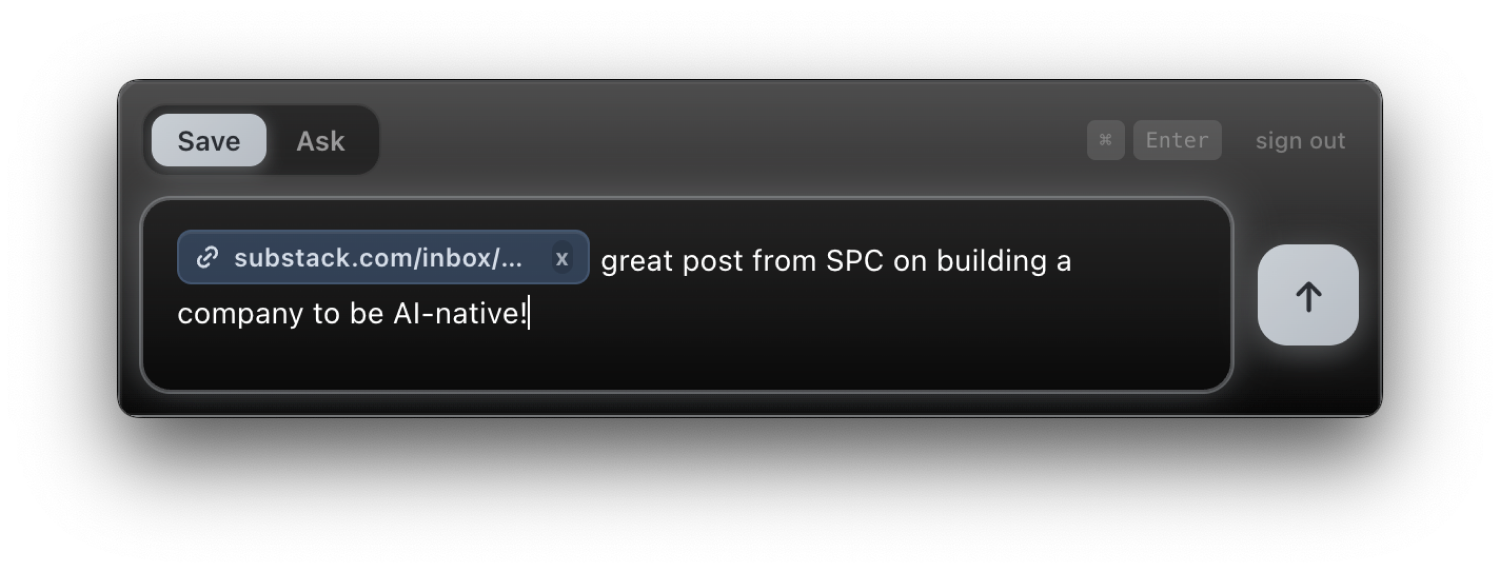
Paste a link, jot a thought, drop a quote. It’s saved in seconds, with nothing to organize and nothing to decide. Capture it and get straight back to what you were doing.
Pensieve lets you capture the things you’d want to recall, like articles, YouTube videos, and spontaneous thoughts, then find them again easily with natural language.
Request AccessPress ⌘⇧K from anywhere, then toggle between saving something and finding it again.
Paste a link, jot a thought, drop a quote. It’s saved in seconds, with nothing to organize and nothing to decide. Capture it and get straight back to what you were doing.
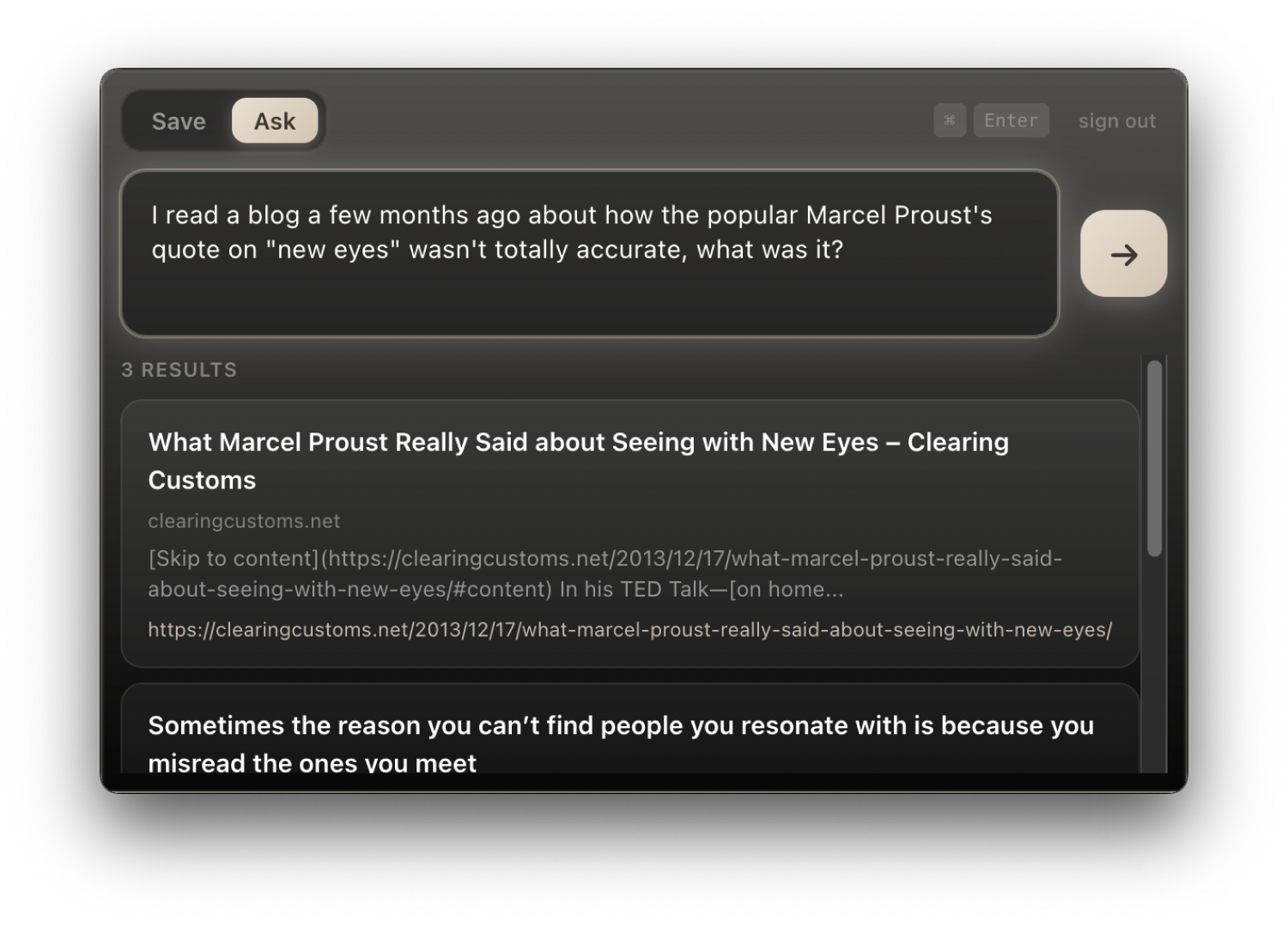
Type it the way you half-remember it, like “that thing about memory not being reliable,” and Pensieve finds what you meant. A fuzzy description is enough. You don’t need exact words or a title.
With Pensieve there’s no tagging, no organizing, no fancy setup. You just capture what you want to remember, and when you reach back for it later with a fuzzy memory, Pensieve finds it.
Drop in a thought with ⌘⇧K. No folders, no tags. Pensieve still finds it later.
Type the half-remembered version, like “that thing about memory,” and Pensieve pulls the captures you meant.
What was that John Green quote about memory?
“Memory is not a reliable narrator”
John Green on Imagine Other People Complexly · YouTube transcript
On the unreliability of remembered selves
Notes from Looking for Alaska, chapter 4
Documents, images, audio, video. All captured and recalled like everything else.
Beyond manual saves, Pensieve pulls from places you already collect: Twitter bookmarks, YouTube playlists, Substack stacks, Instagram collections, your Obsidian vault. And we’re building it to reach anywhere you work digitally, not just the apps listed here. Connect once. Query everything.
Your captures also appear in Notion, Obsidian, or a local folder, so you always keep your own backup.
Desktop, mobile, web. One library across every device you reach for.